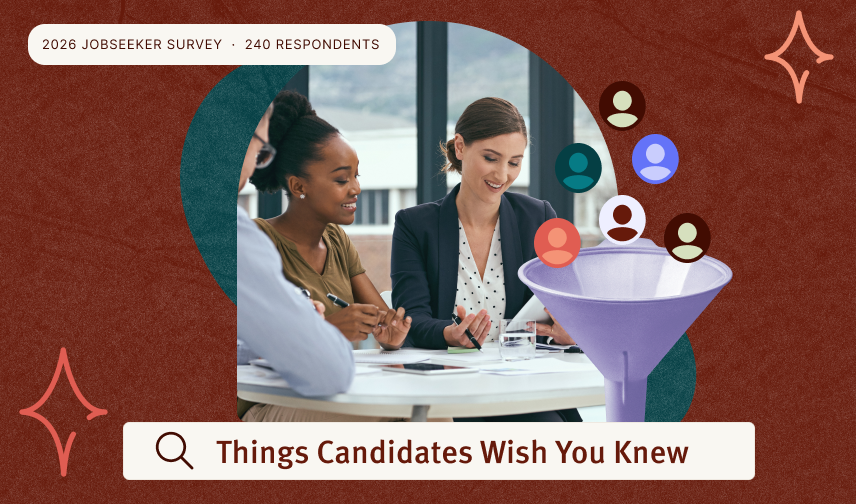
Insurance Written by Sanith G January 20, 2023 Table of Contents Sanith G Share Related articles 7 Things Candidates Wish You Knew Before You Post That Job Candidates aren't ghosting you over the salary, they're leaving because of what happens after they hit apply. New research from real jobseekers points to specific gaps, slow response times, vague postings, and applications that take too long, that are costing hiring teams good candidates. Here's what they told us, and the seven fixes that make the biggest difference. Ask Wizehire Anything: your hiring questions, answered In July we handed the agenda over to our customers. They sent us their hardest hiring questions, and Tara Smith, Marisa Youngblood, and Sid Upadhyay answered them live. Here's everything that came up, including the parts we're still working on. What Is an Employee Referral Program? Your best candidates might already be one conversation away. When you ask your current employees to recommend people they know for open roles, you're tapping into something no job board can replicate: a personal endorsement from someone who already understands your culture, your expectations, and what it takes to succeed on your team. That's the core of an employee referral program, and the numbers make a strong case for formalizing it. Here's what you need to know to build one that works. Find your people. Grow your team. Meet your Wizehire. Get Started See How It Works






 See How It Works